What Can Hackers Do with a Packet Sniffer?
A packet sniffer in the wrong hands is a deadly weapon. A packet sniffer is a real danger because it is a very powerful and difficult to detect tool
Security breaches of all kinds are reported all the time. Everyday we hear of hackers who managed to steal sensitive data, of people who become victims of identity theft, etc. Very often the breaches are so incredible that you wonder if hackers have supernatural powers. Well, hackers hardly have supernatural powers but they don't need them –supernatural powers are not necessary when a networklacks security and one has the right tools to break in.
Hackers Can Monitor Networks With a Packet Sniffer
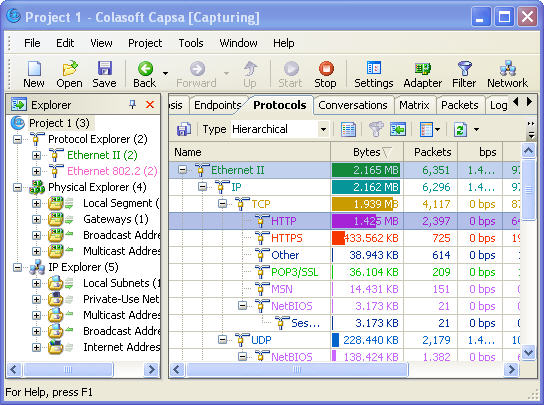
The tools hackers use to break into networks are more or less the same tools network admins use to monitor and maintain their network with. For example, packet sniffers are among the tools hackers love most. A packet sniffer captures packets and shows you their contents.This means that with the help of a packet sniffer running somewhere into the network, hackers can monitor all the unencrypted traffic to and from this network.This is really scary – just imagine a malicious hacker who knows all the secrets of your company. It gets even more dangerous for networks, where hubs (and not switches) are used because in this case a packet sniffer can be installed on any computer and the hacker will monitor all the traffic in that segment, not only the traffic to and from the host. The good news is that hubs are almost out of use today and because of that hackers can do less damage with a packet sniffer.
Hackers Can Obtain Passwords and Credit Card Numbers With a Packet Sniffer
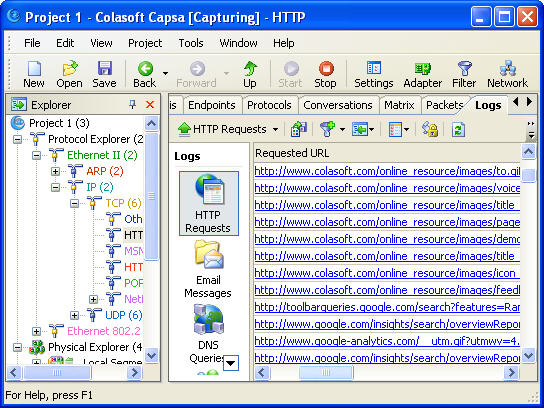
When a hacker uses a packet sniffer to monitor your network, this is not nice but when he or she steals passwords, credit card numbers and other types of sensitive data, this is a real danger. Unencrypted passwords, credit card numbers and other sensitive data are an easy target for a hacker with a packet sniffer.In many of the cases of mass theft of credit card numbers and passwords happen because hackers use a packet sniffer on an unencrypted network. For truth's sake, it is important to mention that even if all the traffic is encrypted, there are still many other ways to obtain sensitive data. But when the traffic over a network is not encrypted and nobody monitors the network for unauthorized packet sniffers, sooner or later data will be stolen.
One of the greatest achievements for hackers with a packet sniffer is to capture the administrator's password. When the administrator's password is transmitted over the network in an unencrypted form, this is an easy target for hackers. If hackers manage to intercept the admin password, they have the power to do everything they want to on your network – delete data, modify data, etc. So, do you see why hackers don't need supernatural powers but only the admin password?
About Colasoft
Ever since 2001, Colasoft has been an innovative provider of all-in-one and easy-to-use network analyzer software for network administrators and IT managers to monitor network activities, analyze network performance, enhance network security, and troubleshoot network problems. Up to now, more than 5000 customers in over 70 countries trust the flagship product – Capsa as their network monitoring and troubleshooting solution. Colasoft also offers four free network utilities: Colasoft Packet Builder, Colasoft Packet Player, Colasoft MAC Scanner, and Colasoft Ping Tool. Learn more about Colasoft and its solutions, please visit http://www.colasoft.com/.





 Posts
Posts


